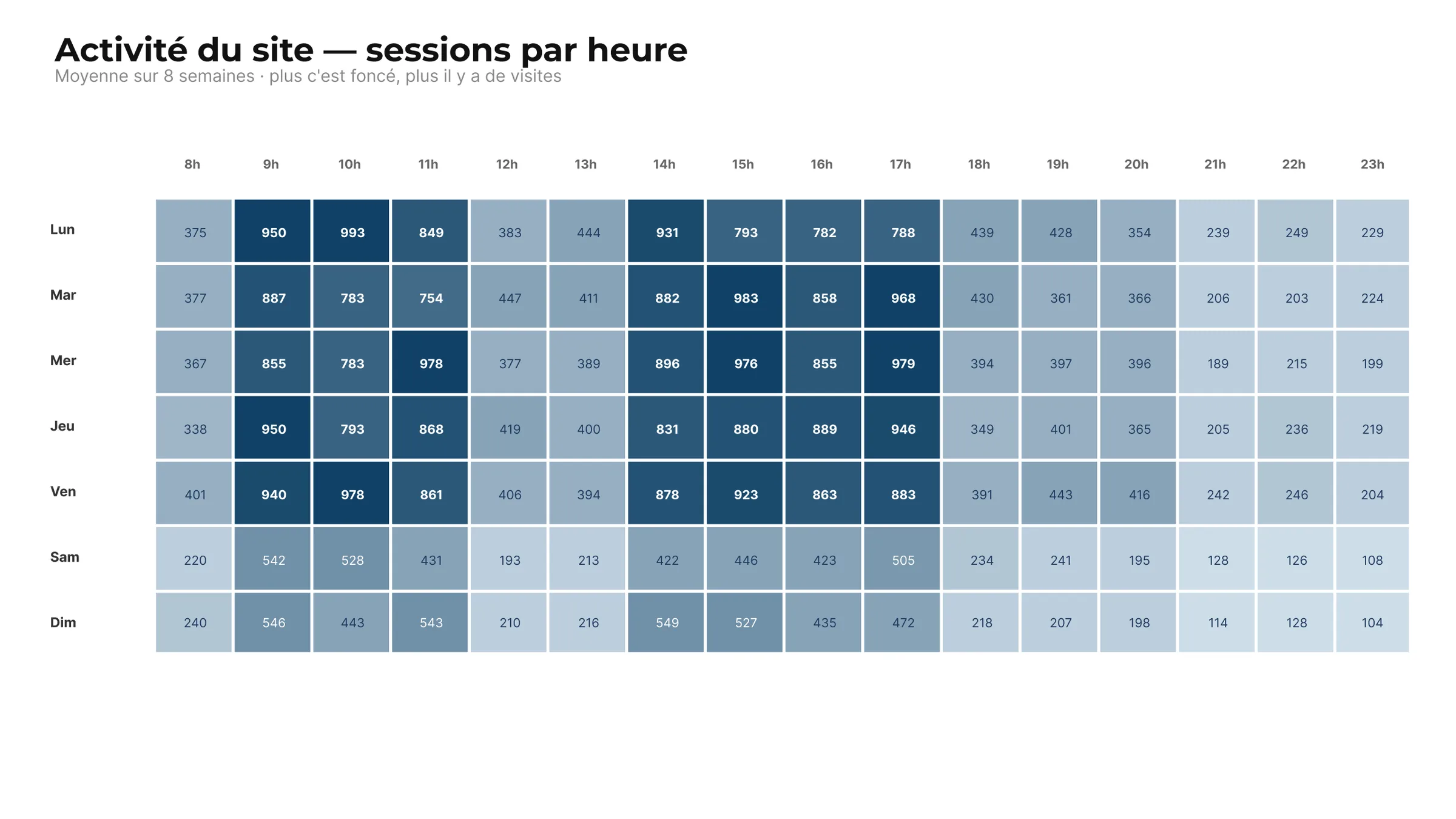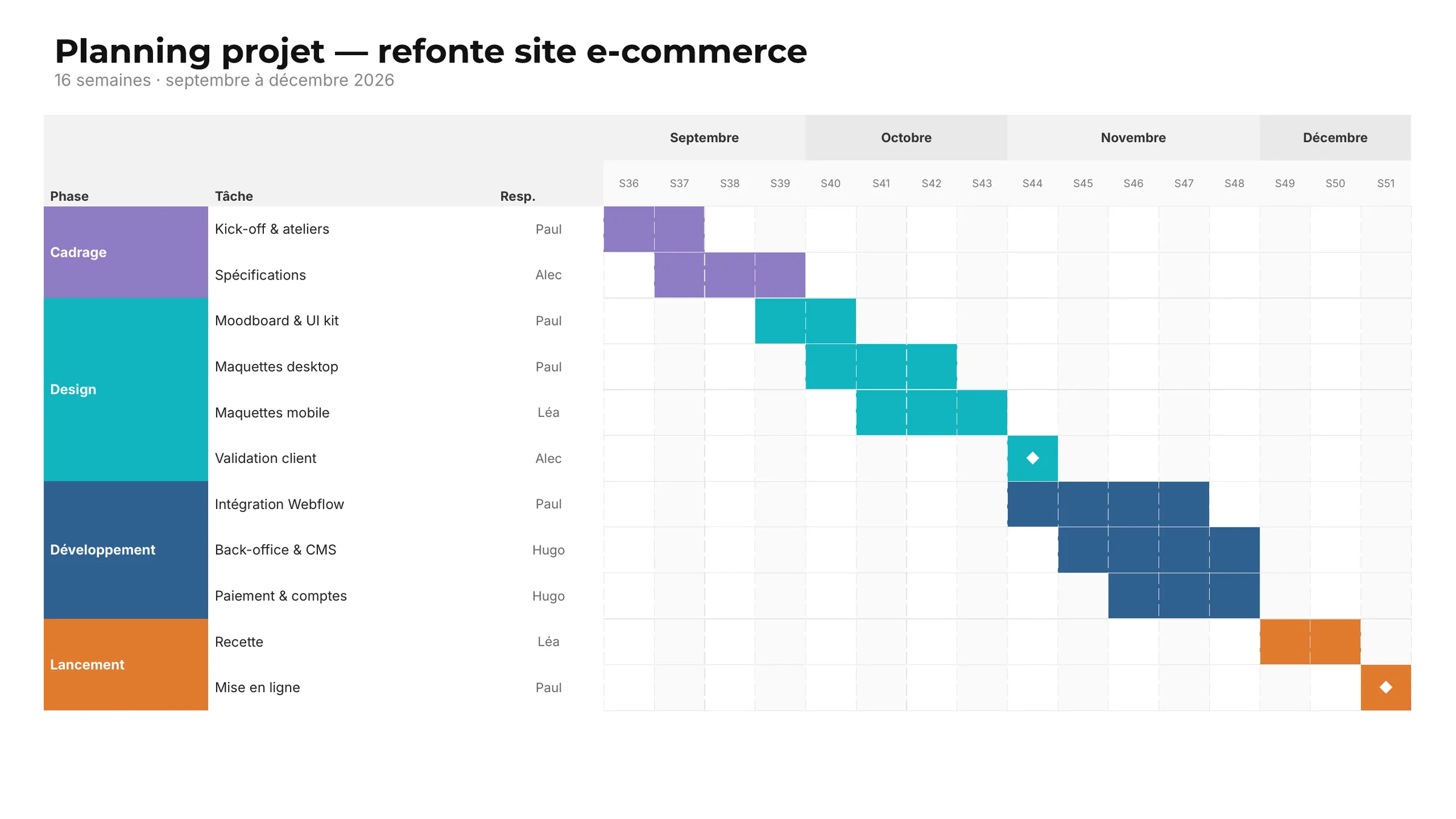
You rebuild everything by hand
Every table cell, every chart bar, every bullet. On a twenty-slide deck, that can take a whole day before you make a single design decision.
Your client sends you a .pptx? PPTX Import turns it into editable frames: text, tables, charts and theme colors. You keep the layout and get straight to the design work.
Free. Your first import includes every Pro option.
Annual report, pitch, deck redesign: the starting point is almost always a PowerPoint file. And nothing moves cleanly from one to the other.
Every table cell, every chart bar, every bullet. On a twenty-slide deck, that can take a whole day before you make a single design decision.
A PDF or a screenshot pastes in as one block. To fix a single number, you start over.
The client's blue turns into three different blues, the font is missing, and nobody knows which one is right anymore.
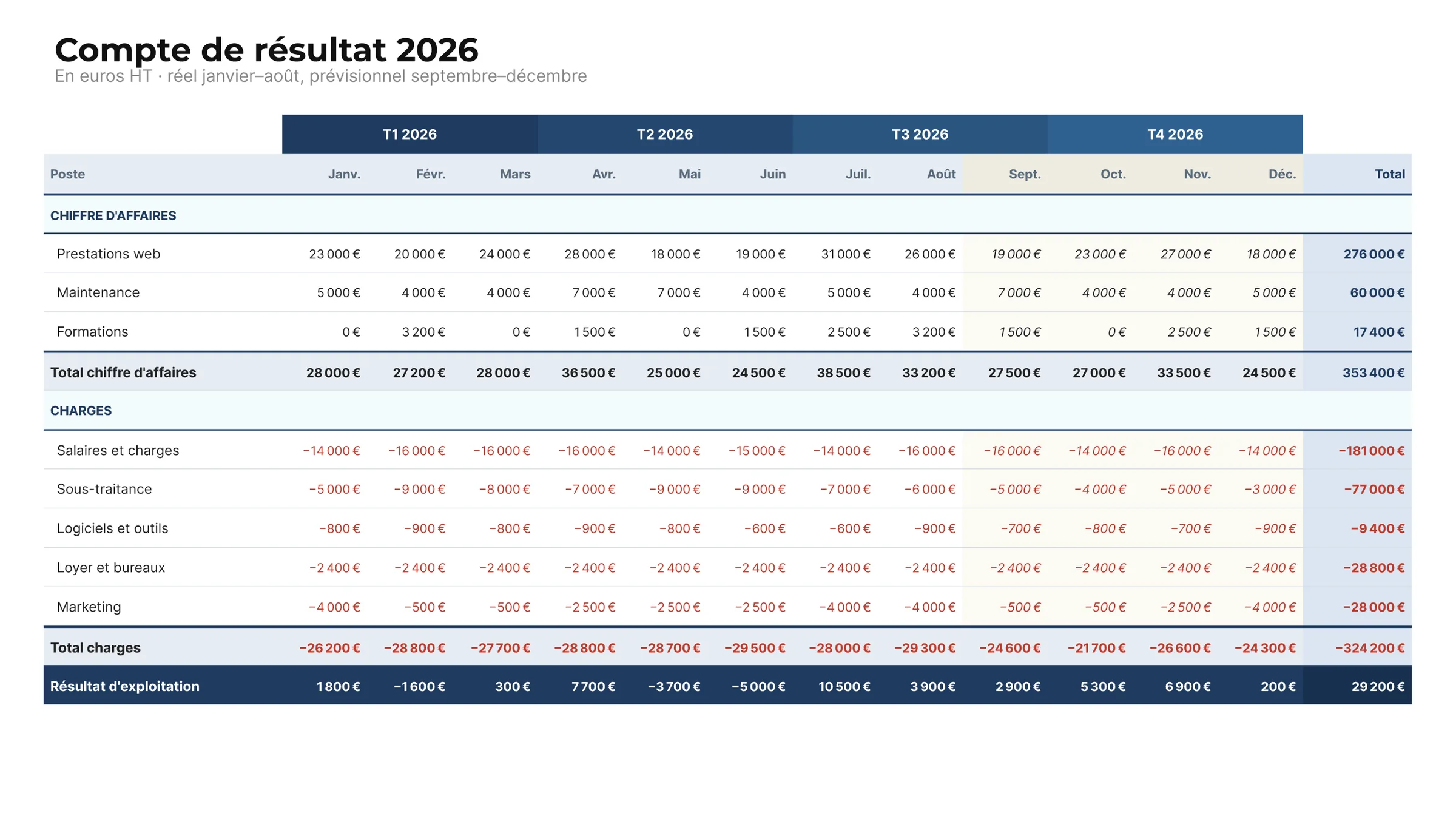
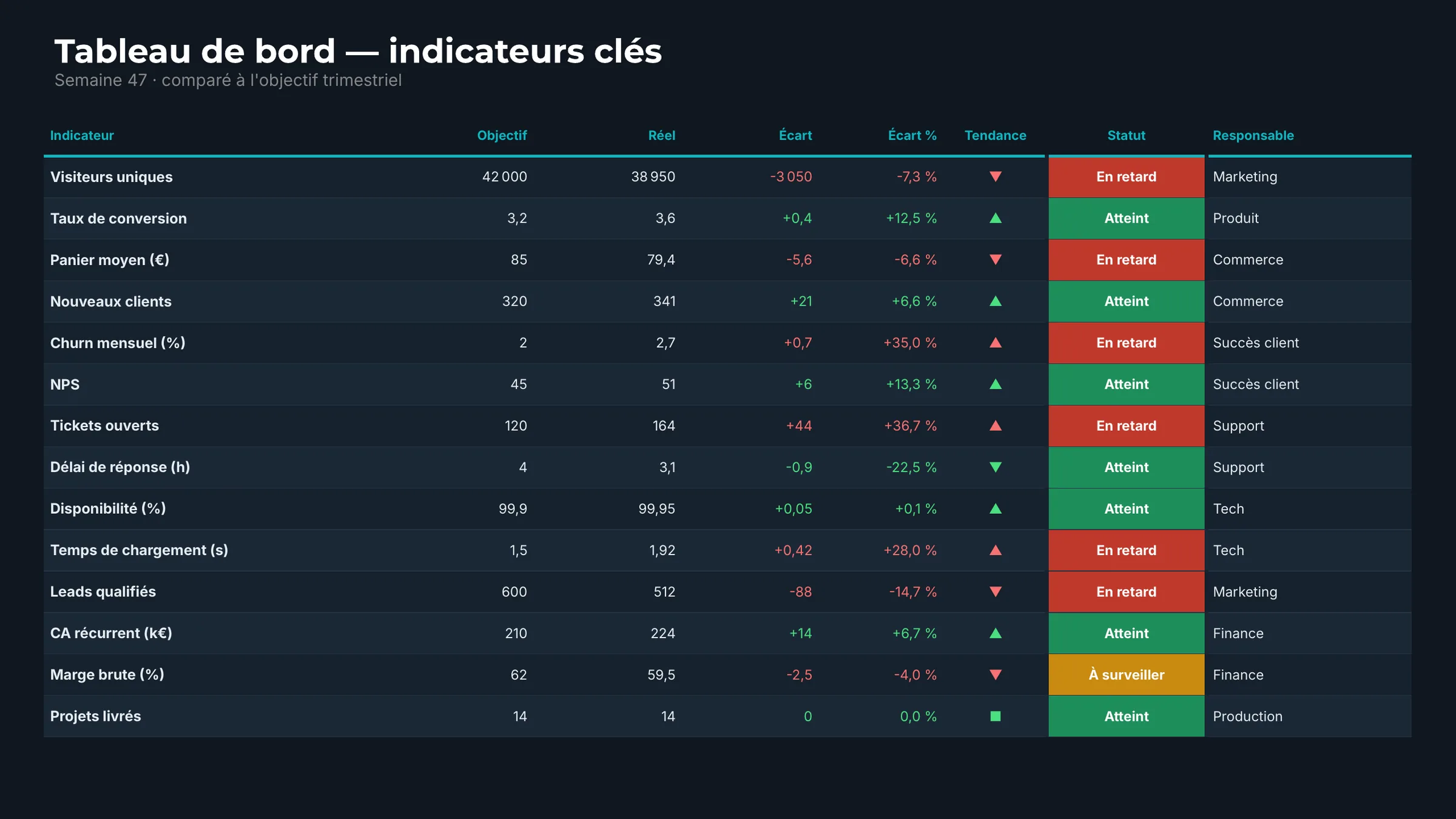
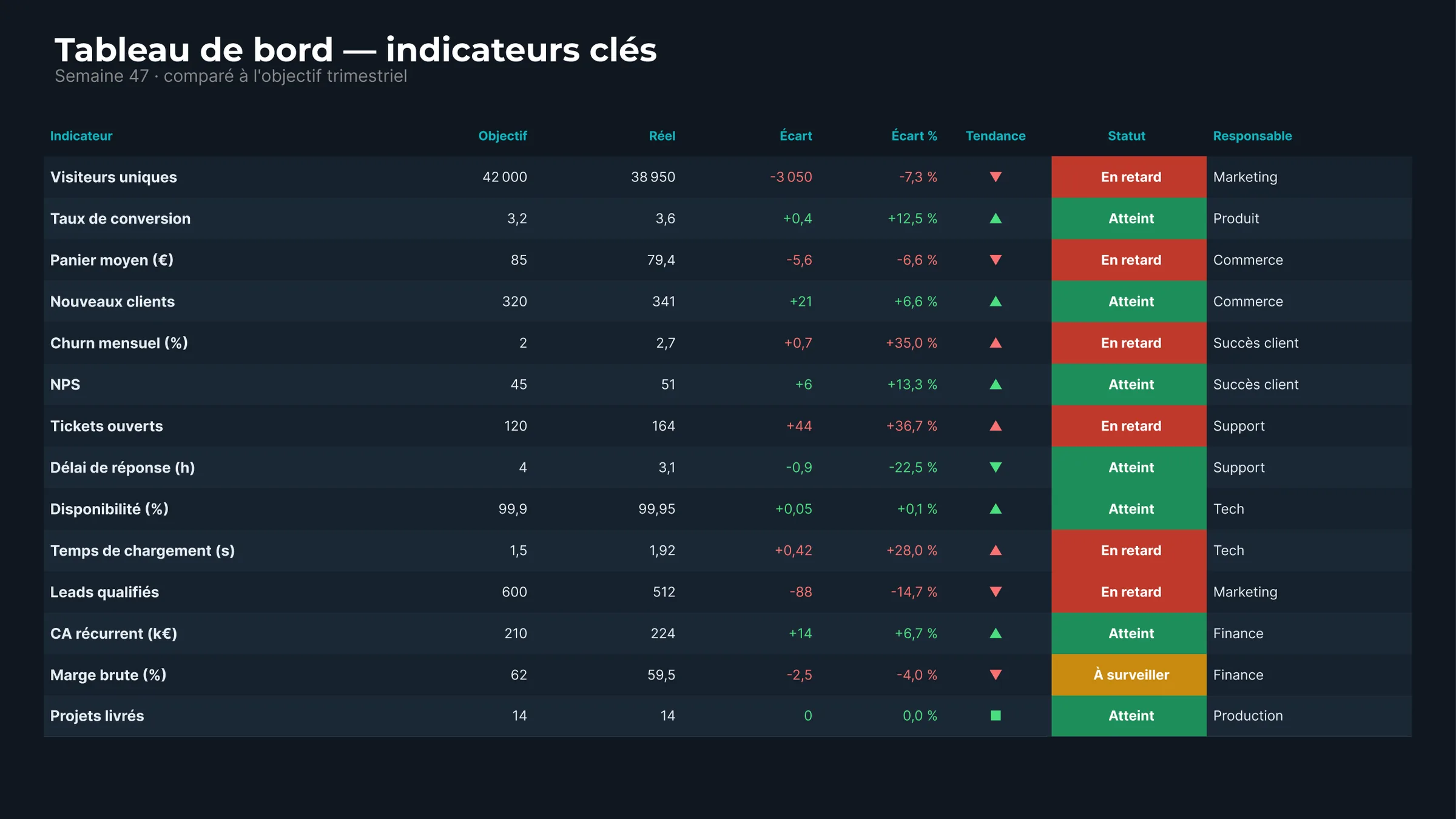
Drop the file in and the plugin rebuilds every slide with real Figma layers. On the left, the slide in PowerPoint. On the right, the same slide after import: drag the yellow bar to compare.
ProIncluded in PPTX Import Pro and in your first import
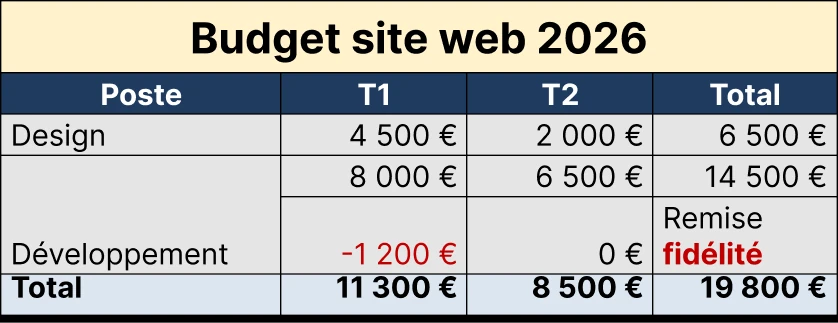
Every table becomes a stack of rows, and every row a line of cells in auto layout. Make a label longer or add a row: the rest shifts. Merged cells, borders and PowerPoint table styles carry over.
Text keeps its font, size and color. Charts are redrawn from the file's data: bars, lines, areas and pies, with axes and legend. Fix a number or a series color right in Figma.
Not supported yet: radar, scatter and bubble charts. They arrive as an empty frame, flagged in the report.
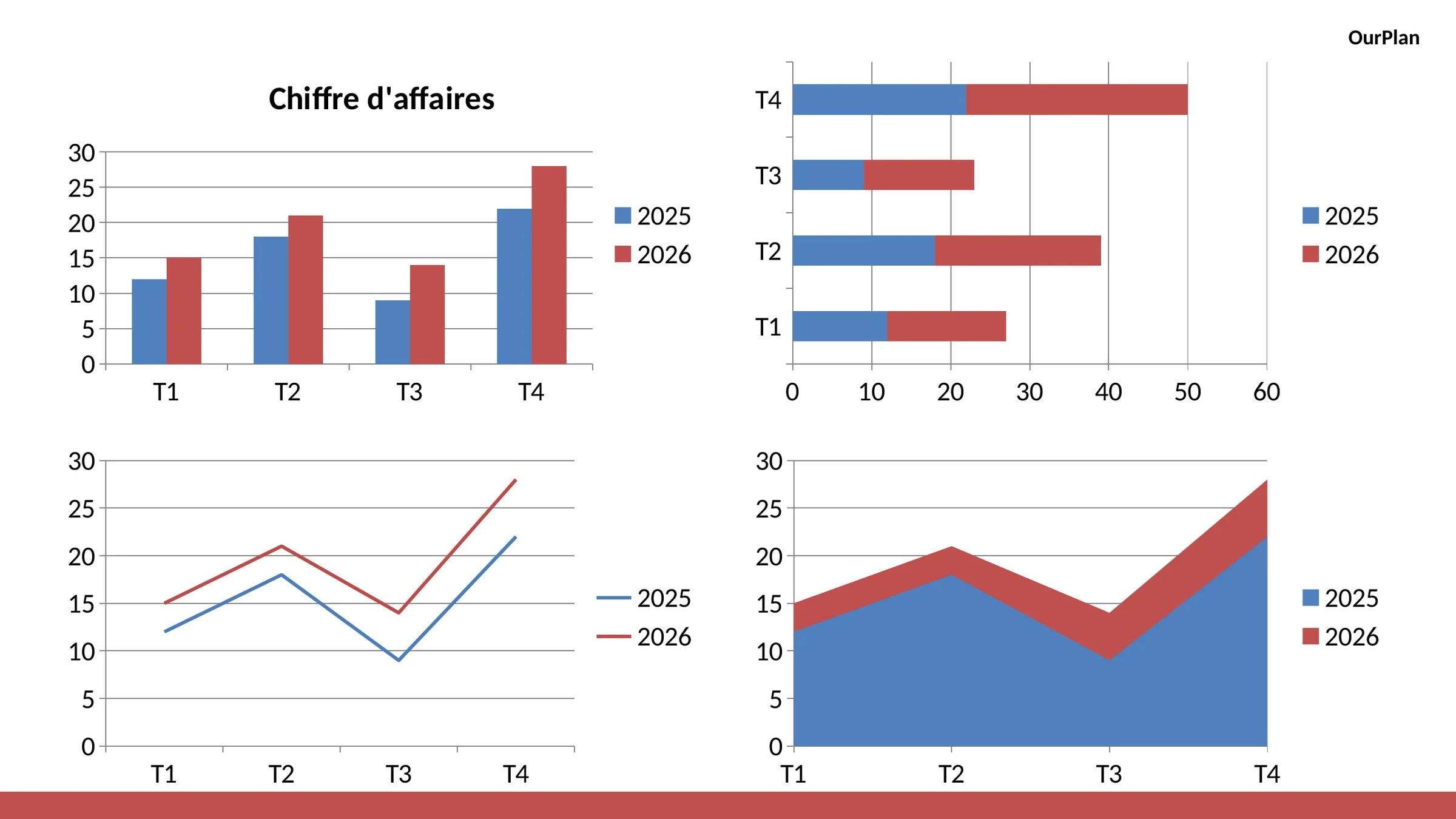
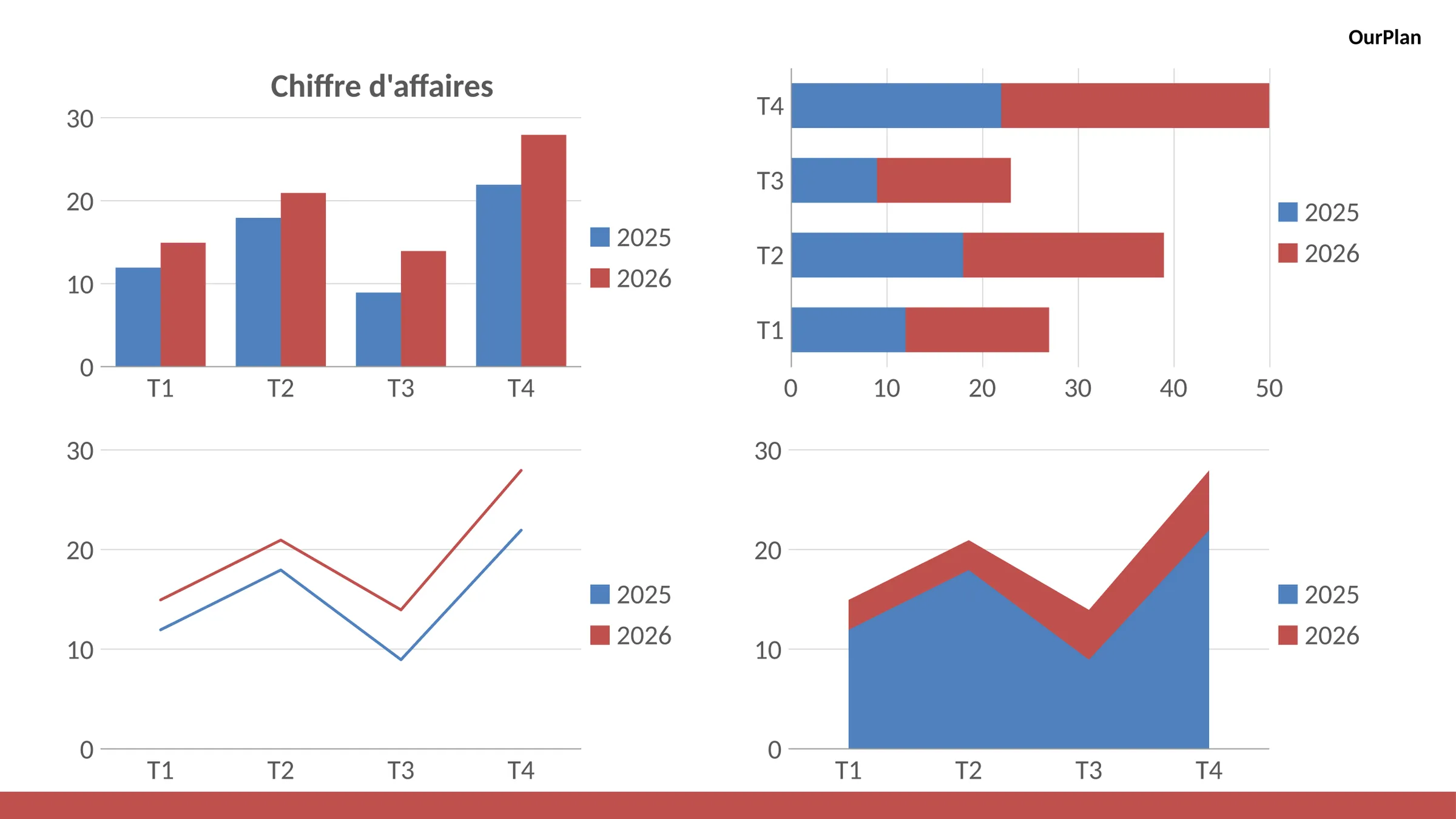 In Figma, after import
ProIncluded in PPTX Import Pro and in your first import
Theme colors and the colors used in the slides become Figma variables, bound to the layers. Near-identical shades are merged and named, and text sizes become styles. The client's blue stays one blue.
From the Figma Community. It works in Figma Design and in Figma Slides.
Pick the slides and the options. Missing fonts are flagged before the import, with a close match instead.
Every slide arrives as a frame, grouped in a section. A report lists what couldn't be carried over exactly.
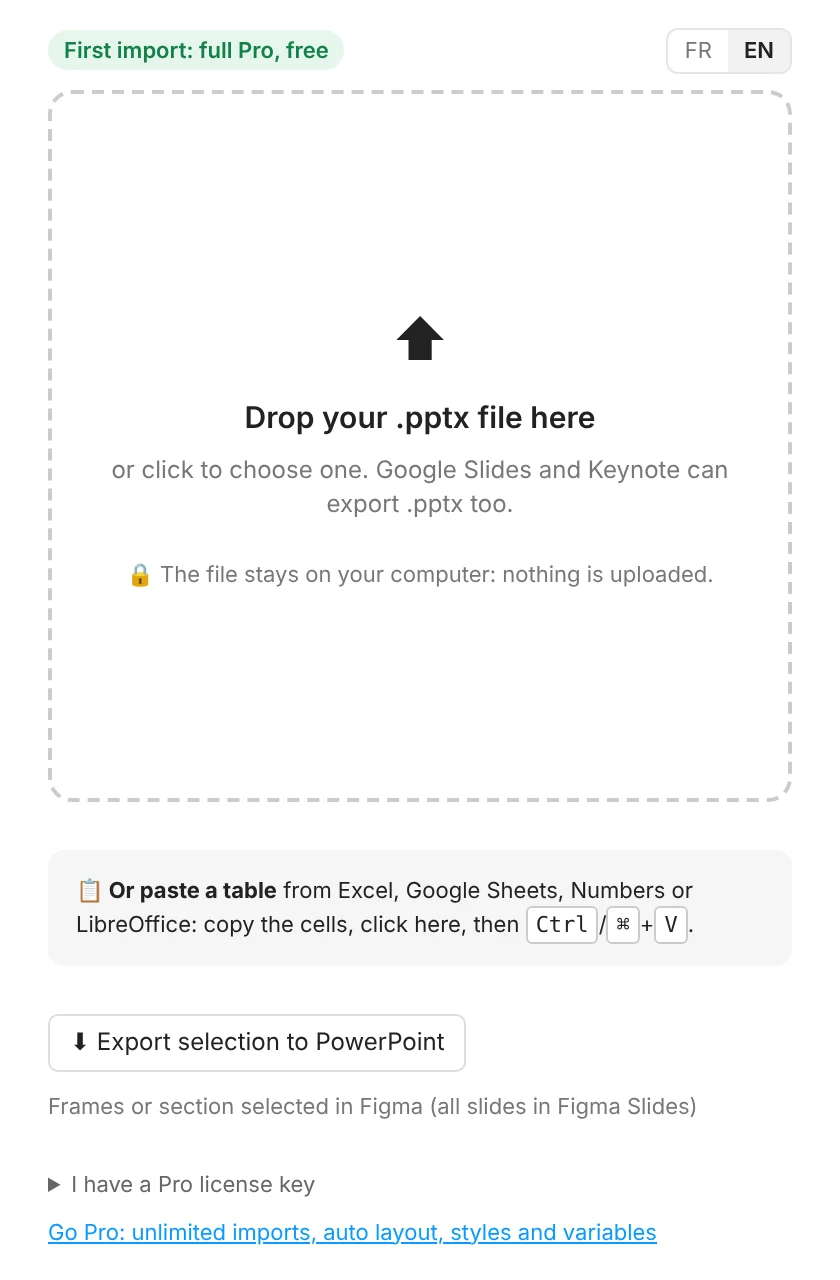
Copy cells in Excel, Google Sheets, Numbers or LibreOffice, click in the plugin and paste. The table arrives as editable layers, colors, borders and alignment included.
Select frames or a section and get an editable .pptx: text, shapes, tables and images. Anything PowerPoint can't represent, like a blur or a mask, is exported as an image and listed.
$0
To try it on your real files, no credit card.
Install for free$9 per month
Or $79 a year. For designers who get presentations every week.
Go ProPPTX Import is the first tool in the Plistack suite. The next ones will be included in the Plistack subscription, along with PPTX Import Pro. Around $19 a month, price confirmed when the second tool launches.
Taxes are calculated at checkout based on your country. Payments are handled by Dodo Payments, which sends the invoice. Your license key arrives by email: paste it into the plugin. Cancel anytime.
No training, no hidden settings. The plugin guides you through the import and tells you what it did.
No account to create. Install the plugin and drop your file in.
The plugin spots missing fonts and suggests the closest one. Accept it or pick another.
Anything that was simplified is listed slide by slide. You know exactly what to check.
The .pptx is read inside Figma, on your computer. Nothing is uploaded to a server.
Yes, through a .pptx file. In Google Slides: File, Download, Microsoft PowerPoint. In Keynote: File, Export To, PowerPoint.
The plugin spots them before the import and suggests the closest font available in Figma, taking character width into account. You can change every replacement. Fonts embedded in the file are recovered when their license allows it.
Animations and transitions, as well as radar, scatter and bubble charts. Videos arrive as still images and elbow connectors as straight lines. Everything that was simplified is listed in the report at the end of the import.
After your purchase you get a key by email. Paste it into the plugin and Pro is unlocked. It keeps working offline for 14 days between two checks.
Yes. The subscription ends at the end of the paid period and the plugin goes back to the free version. Slides you already imported stay in your Figma files.
Yes. Plistack will be a suite of tools for teams who work in Figma. Each tool will have its own plan, and the Plistack subscription will bundle them all.
Your first import includes every Pro option. No credit card, no account to create.
Install in Figma